VPNs for Torrenting: What Actually Matters
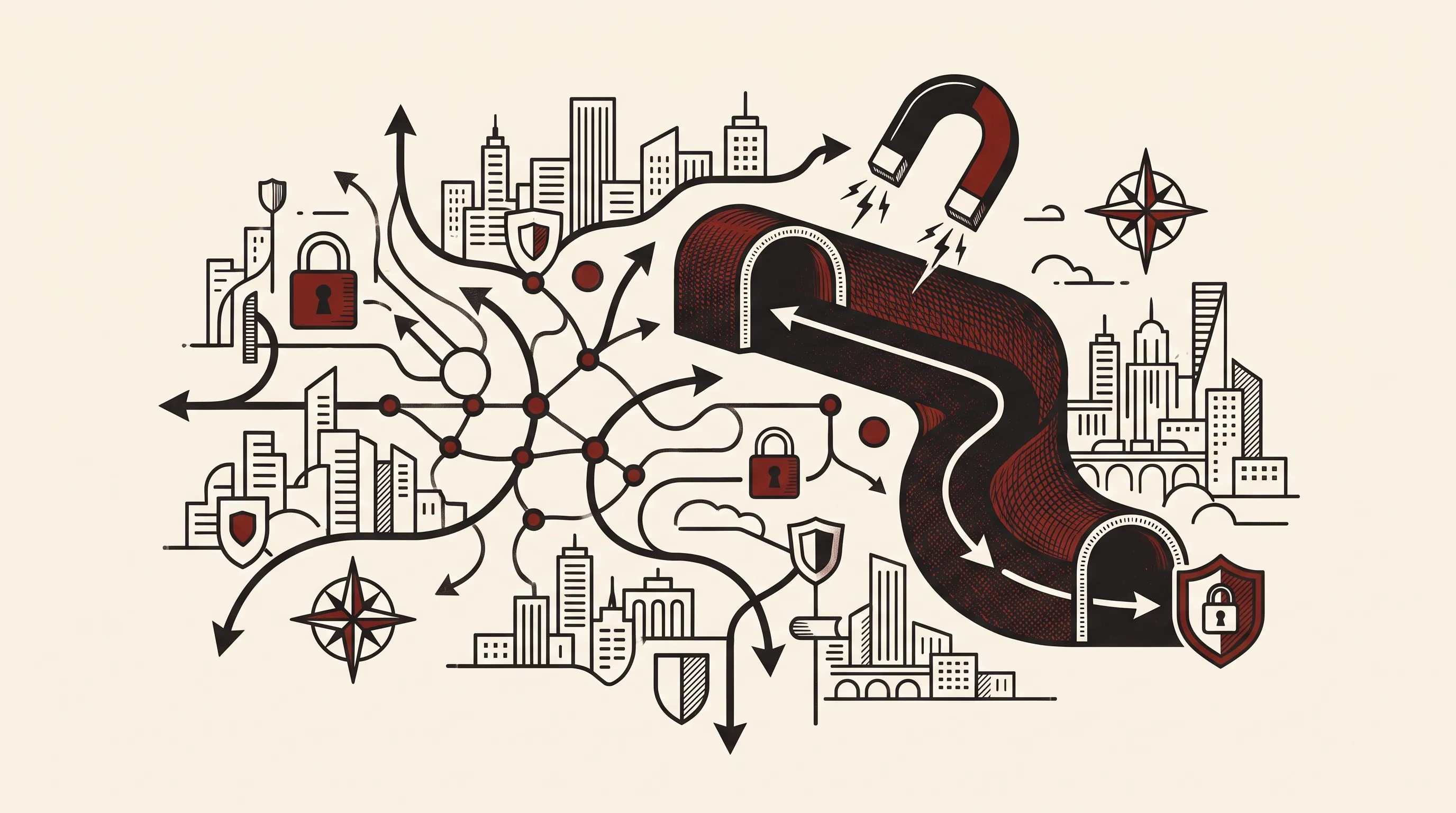
For torrenting, your real IP is exposed to everyone in the swarm, including monitoring entities. A reliable kill switch prevents leaks if the VPN drops. Use OpenVPN or WireGuard, enable port forwarding if seeding, and pick providers with verified no-logs policies. Avoid free or untested services.
What Your IP Reveals When You Torrent
When you join a torrent swarm, your public IP address is shared with every peer you connect to—this includes other downloaders, seeders, and automated monitoring systems watching popular torrents [1]. That IP is a direct link to your internet connection, and with it, a motivated party can determine your approximate location, internet service provider (ISP), and potentially tie activity back to you through ISP logs [3]. This isn’t theoretical: copyright enforcement groups routinely join swarms, log IPs of participants, and send notices to ISPs demanding action [2].
Your ISP sees the traffic too. Even if they don’t actively monitor content, they log connection metadata—timestamps, data volume, and destination IPs. If a copyright holder sends a DMCA notice (or equivalent in your country), the ISP can match that IP to an account at a specific time. You may receive a warning, throttled speeds, or in extreme cases, legal pressure. A VPN hides your real IP from the swarm and encrypts traffic from your ISP, so they only see a connection to the VPN server, not BitTorrent activity.
But this only works if the VPN functions correctly. A single misconfiguration or connection drop can expose your real IP, undoing all protection. That’s why the kill switch isn’t just a feature—it’s a necessity.
Why the Kill Switch Is Non-Negotiable
A kill switch in a VPN context is a mechanism that cuts your device’s internet access if the encrypted tunnel fails [4]. Without it, a dropped connection routes your traffic—including active torrenting—through your ISP in the clear. Most clients claim to have a kill switch, but many are incomplete. Some only block specific apps, while others fail under certain network conditions like switching Wi-Fi networks or waking from sleep.
The effective kill switch operates at the system level, using firewall rules to block all outbound traffic except through the encrypted tunnel. This is harder to implement correctly but essential. For example, if your VPN uses a virtual network interface and the connection drops, the kill switch should prevent any data from falling back to your physical adapter. Test this: disconnect your VPN manually and verify no traffic flows. Use a leak test tool like tools/leak-test/ to confirm.
Some advanced users run their torrent client on a dedicated machine or router behind the VPN, creating a hardware-level kill switch. Others use virtual machines with strict network rules. If you’re on a shared network or using public Wi-Fi, this layer of protection becomes even more critical—your exposure isn’t just to copyright monitors, but to local network snooping.
Protocols That Work for P2P: OpenVPN and WireGuard
Not all VPN protocols handle P2P traffic equally. OpenVPN and WireGuard are the two most reliable for torrenting, but they work differently.
OpenVPN has been the standard for years. It’s open-source, well-audited, and runs over UDP or TCP. For torrenting, UDP is preferred—lower latency, better throughput. However, some networks throttle or block OpenVPN traffic. If that happens, switching to TCP port 443 can help, as it mimics HTTPS traffic and blends in. The downside: TCP-over-TCP can reduce performance and increase latency, which affects seeding efficiency.
WireGuard is newer, faster, and more efficient. It uses state-of-the-art cryptography and maintains stable connections even when switching networks. For torrenting, this means fewer drops and quicker reconnections—critical for long seeding sessions. However, because WireGuard assigns static IPs to peers and keeps minimal state, some implementations may leak if not properly configured. Always ensure your client uses firewall rules to block non-tunneled traffic.
Avoid protocols like PPTP or L2TP/IPsec unless you have no other option. PPTP is broken; L2TP often lacks encryption unless paired with IPsec, and both are easily detected and blocked. If a provider only offers these, it’s a red flag about their security priorities.
Port Forwarding and Seeding: When You Need It
Port forwarding lets external peers initiate connections to your torrent client. By default, most home routers block inbound connections, so your client can only connect to others, not accept incoming ones. This limits your upload capacity and can slow down rare file pieces.
If you’re seeding large files or contributing to healthy swarms, enabling port forwarding helps. Most clients let you specify a port; forward that port in your router to your machine’s local IP. Some VPN providers offer forwarded ports on their servers—check if they support this and whether it’s shared or dedicated.
But there’s a trade-off: an open port is a potential attack surface. If your torrent client has a vulnerability, it could be exploited. Keep your client updated. Also, port forwarding only works if your VPN allows it—many block incoming connections entirely for security. Providers like Mullvad and Ivpn offer forwarded ports with additional safeguards.
If you’re just downloading, not seeding long-term, port forwarding is optional. The benefit is marginal. Focus instead on connection stability and leak protection.
The DMCA Reality: What Happens When Notices Are Sent
No matter how good your setup, if you’re in a country that enforces copyright law, DMCA-style notices are part of the landscape. When a monitoring group logs your IP, they send a complaint to the ISP or VPN provider. What happens next depends on the provider’s logging policy and jurisdiction.
Some VPN providers keep logs—connection timestamps, IP addresses, session data. If they receive a legal request, they can hand over user information. Others claim “no logs,” but that’s only meaningful if it’s been audited or tested in court. For example, providers like Mullvad and Ivpn have undergone independent audits and have public warrant canaries best/warrant-canary/. Others have faced real-world tests: when law enforcement requested data, they had nothing to provide best/court-proven/.
Even with a no-logs policy, the provider may still forward abuse complaints to users. That doesn’t mean they’re logging—it could be automated based on server IP and port. But it shows they’re not blocking complaints entirely. Read the provider’s abuse policy. If they say they “cooperate with valid legal requests,” assume they will—unless proven otherwise.
Jurisdiction matters. A provider based in a Five Eyes country isn’t automatically untrustworthy, but it faces more pressure to comply. Those in privacy-friendly jurisdictions like Sweden or Switzerland may have stronger legal protections. Still, laws change. Trust should be based on evidence, not location alone.
FAQ
What happens if my VPN disconnects while torrenting?
Without a kill switch, your real IP is exposed to the swarm. Traffic routes through your ISP, risking DMCA notices or surveillance. Always use a system-level kill switch to block all internet access on tunnel failure.
Is WireGuard safe for torrenting?
Yes, if implemented correctly. WireGuard is fast and secure, but ensure your client uses firewall rules to prevent leaks during reconnects. Test with a leak checker after setup.
Do I need port forwarding to download torrents?
No. Port forwarding mainly helps with seeding performance. For downloading, it’s optional and offers minimal benefit unless you’re behind a strict NAT.
Can a VPN provider see what I’m downloading?
The provider can see encrypted traffic volume and timing. If they log connection data or use deep packet inspection, they might infer activity. Choose audited no-logs providers to minimize risk.
Are free VPNs safe for torrenting?
No. Most free VPNs log data, inject ads, or sell bandwidth. Some throttle P2P or lack kill switches. Use a reputable paid service with proven privacy practices.
What’s the best torrent client for privacy?
qBittorrent and Transmission are open-source, ad-free, and configurable. Avoid clients with built-in trackers or proprietary code. Pair with a trusted VPN and disable DHT if needed.